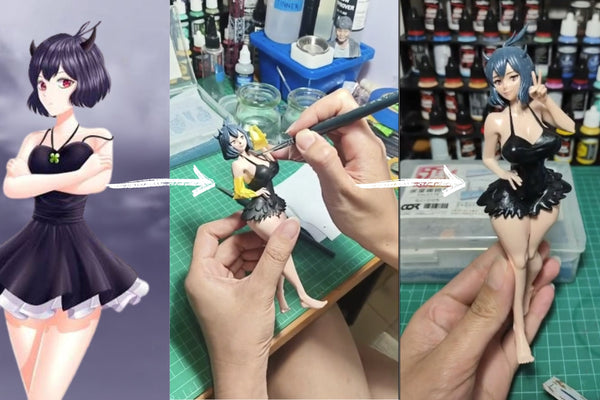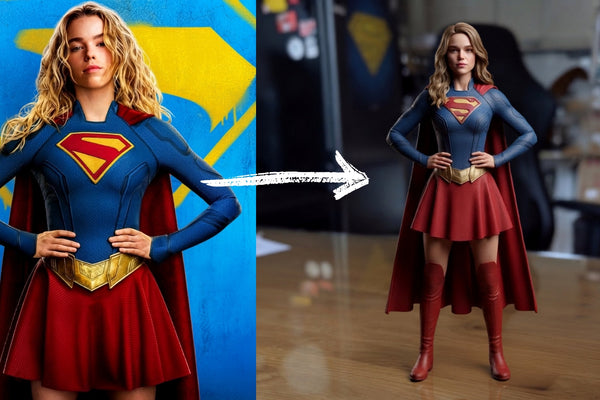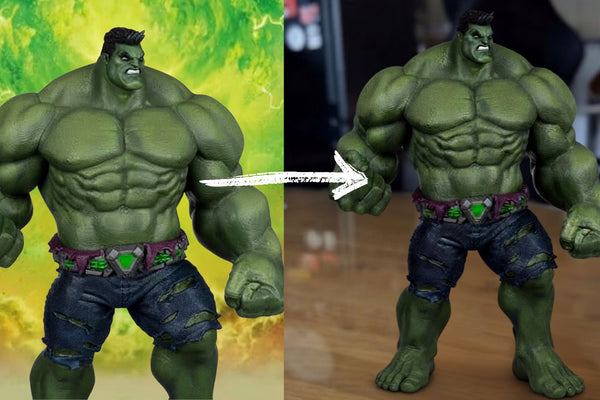



Ever wondered what you would look like as Batman?
With AI and Figuro, you can create a Batman image featuring your own face and then turn it into a real 3D figurine.
Step 1: Upload Your Photo to Gemini
Start by uploading a clear photo of yourself to Gemini.
For the best results, choose a high-quality photo where your face is clearly visible.
Step 2: Generate Your Batman Image
Ask Gemini to transform you into Batman while keeping your facial features recognizable.
Sample Prompt
“Create a realistic cinematic image of me as Batman. Keep my facial features and identity recognizable, while placing me in a powerful Batman pose. Give me a detailed black Batman suit, cape, cowl, utility belt, realistic proportions, dramatic lighting, and a full-body composition. Make it look like a high-quality superhero movie still, with the entire character clearly visible.”
You can customize the prompt with your favorite Batman pose, suit style, background, or scene.
Step 3: Upload Your Image to Figuro
Once you have your Batman image, visit getfiguro.com and upload it.
Preview your custom figurine before placing your order.
Step 4: Choose 16cm or Larger
For better detail and a higher-quality finish, we recommend choosing a 16cm or larger figurine.
The larger size helps capture details like the Batman suit, cape, accessories, face, and pose.

Step 5: Place Your Order
Happy with the preview?
Place your order and let Figuro turn your Batman creation into a physical 3D figurine.
Step 6: Wait for the Magic
Your custom figurine takes around 2–3 weeks to create and prepare.
Then comes the best part…

Batman with YOUR face is real!
What started as a photo and an AI-generated image can become a physical figurine you can display and keep forever.
Ready to Become Batman?
Create your superhero version and turn it into a real custom figurine.
Start creating at getfiguro.com